Instagram Proxies: A Step-by-Step Guide for Setting Up on iPhone, Android, and Browsers
Inhalt des Artikels
- Which proxy do you need for instagram?
- How to set up a proxy for instagram on iphone
- How to set up a proxy for instagram on android
- Proxy for instagram in a browser and anti-detect
- How many instagram accounts can you run on one proxy?
- Why smm teams use mobile proxies for instagram
- Free proxies for instagram: why you shouldn't
- Frequently asked questions
Instagram needs a mobile proxy: the platform spots and bans datacenter IPs almost immediately, residential ones last longer but are still risky with multiple accounts. A real carrier mobile IP is seen by Instagram as an ordinary smartphone user. Below: which proxy to choose, how to set it up on iPhone, Android and in a browser, how many accounts to run per IP, and why SMM specialists and agencies use them.
Which proxy do you need for Instagram?
In short — a mobile one, and here's why:
- Datacenter proxies — cheap, but Instagram knows these subnets and bans fast.
- Residential — better, but the risk remains with several accounts.
- Mobile — real carrier IPs behind CGNAT: hundreds of real people share one IP, so trust is highest.
Basic safety rule: one account — one mobile IP (plus an anti-detect setup for multiple accounts).
How to set up a proxy for Instagram on iPhone
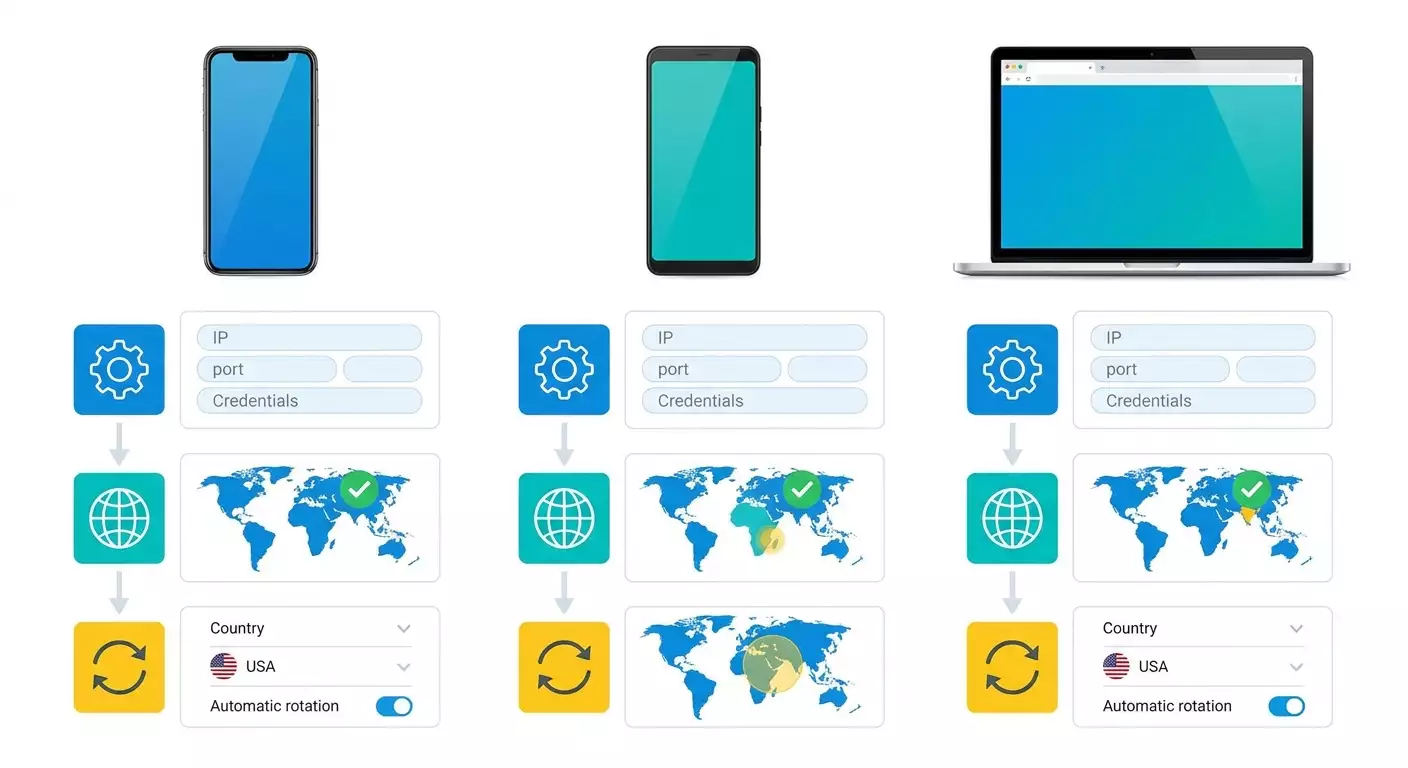
On iPhone the proxy is set in the system, in the Wi-Fi network settings — the Instagram app then goes through it. In short: Settings → Wi-Fi → tap (i) next to the network → HTTP Proxy → Manual → enter the server and port. Authentication can be toggled on for login-based proxies.
How to set up a proxy for Instagram on Android
On Android the proxy is also set in the Wi-Fi network settings ("Proxy" → "Manual" → server and port), or via a proxy app if you need to work over the cellular network or run several accounts on different IPs.
Proxy for Instagram in a browser and anti-detect
For SMM, multiple accounts, and desktop work, the proxy is connected in a browser or an anti-detect browser. The multi-account setup: a separate anti-detect profile + its own mobile IP per account — so Instagram doesn't link the accounts together.
How many Instagram accounts can you run on one proxy?
The safe benchmark is one account per one mobile IP. Several accounts on a single IP are acceptable only with careful warm-up and low activity, otherwise the risk of limits grows. For an account farm, each gets its own IP and anti-detect profile, and new accounts must be warmed up.
Why SMM teams use mobile proxies for Instagram
Beyond bypassing access restrictions, mobile proxies for Instagram are used for:
- SMM and agencies — running client accounts without blocks.
- Multi-account — several profiles without being linked by IP.
- Geo-targeting — working from the country/city you need.
- Automation — mass actions within the platform's limits.
Free proxies for Instagram: why you shouldn't
Free and public proxies for Instagram are an almost guaranteed ban: their IPs have long been blacklisted, and they're unstable and unsafe. For an account you value, you need a dedicated mobile proxy. Mobile proxies from mobileproxy.space fit — real carrier IPs with rotation; you can test a proxy in our proxy checker.
Frequently asked questions
What is the best proxy for Instagram?
A mobile one. Instagram bans datacenter proxies fast, residential ones are risky with multi-account, while mobile carrier IPs are treated as ordinary users and give the highest trust.
Can I use a free proxy for Instagram?
Technically yes, but free proxies almost always lead to a ban: their IPs are blacklisted, unstable, and unsafe. For a working account you need a dedicated mobile proxy.
How many Instagram accounts per proxy?
Safely — one account per one mobile IP. Several on one IP are possible only with careful warm-up and low activity, otherwise the risk of limits grows.
How do I set up a proxy for Instagram on iPhone?
In the system: Settings → Wi-Fi → (i) next to the network → HTTP Proxy → "Manual" → server and port. The Instagram app will go through the proxy.
Does Instagram ban you for using a proxy?
Not for the proxy itself. Bans come from a suspicious IP (datacenter, a "dirty" shared address) and from sudden activity. A dedicated mobile IP plus warm-up reduces the risk to a minimum.